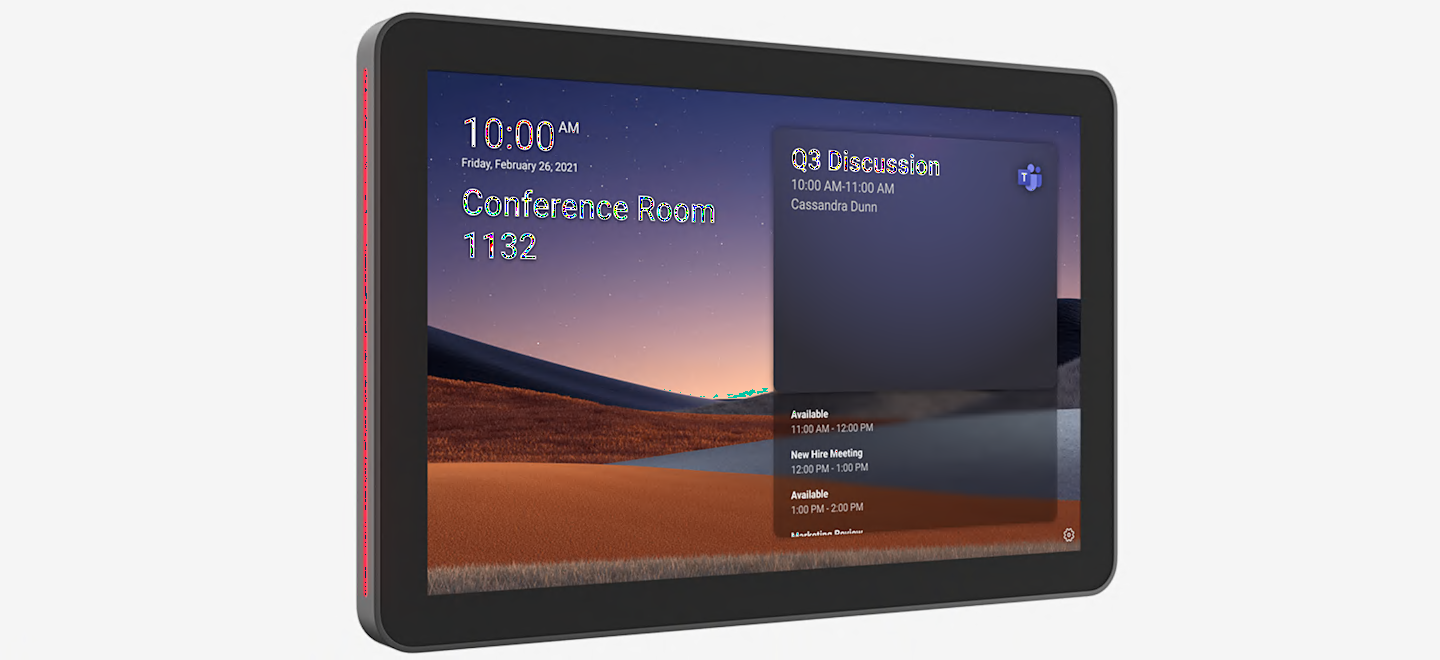
An empty meeting room is not always available, and a booked room is not always being used. A room scheduler helps teams see availability and access reservations through a connected booking system.
What Is a Meeting Room Scheduler?
A scheduling panel is usually installed outside a meeting room. It displays room status and booking information, with supported systems offering functions such as walk-up reservations, check-in and releasing unused bookings.
The panel is one part of the solution. Calendar integration, room accounts, scheduling software and licences must be considered alongside the hardware.
Workplace booking
Yeastar Workplace Room Displays
Yeastar Workplace combines room-booking software with supported displays. Teams can view availability and manage reservations at the room entrance.
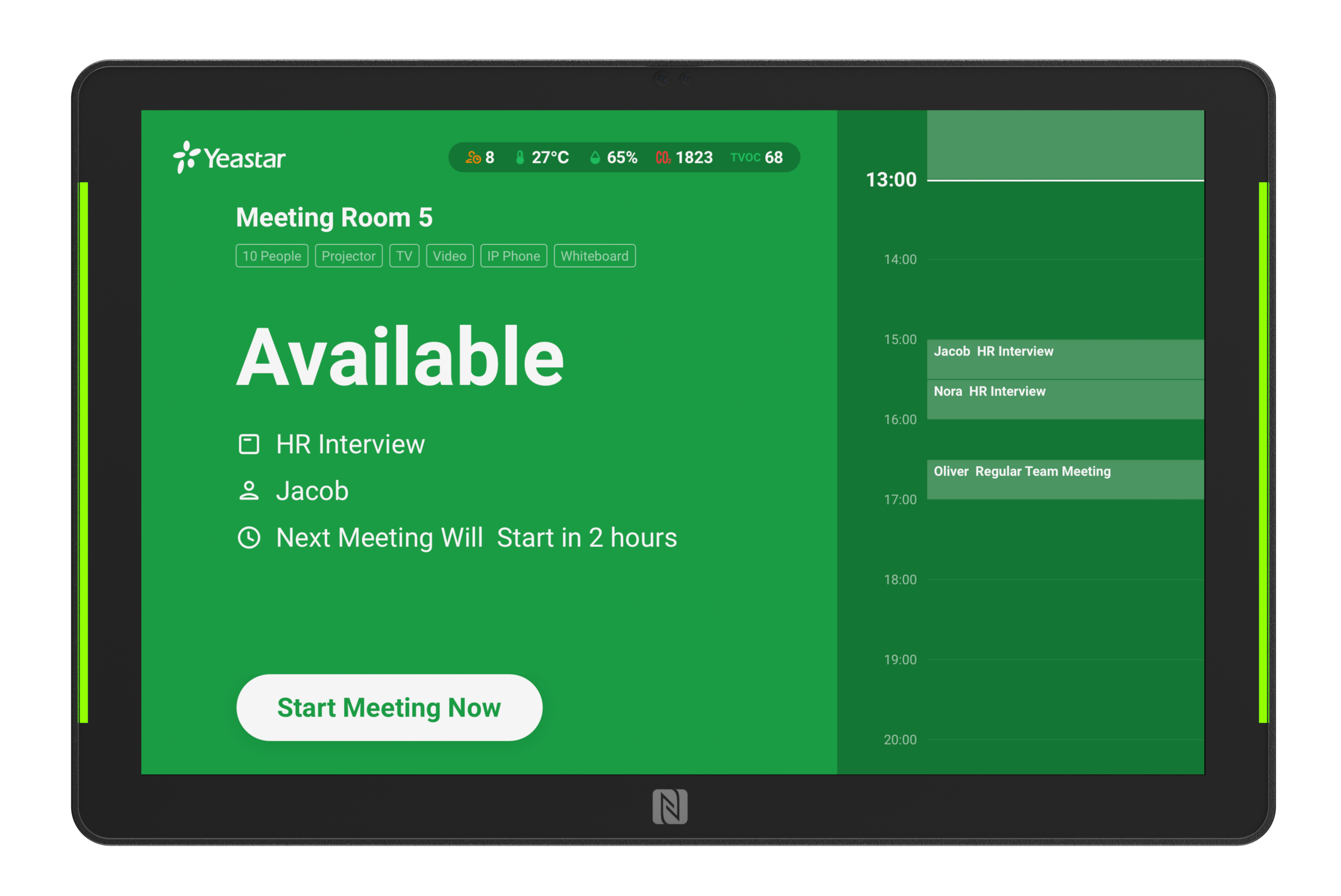
Confirm calendar connections, supported display models and subscription requirements. Check-in and booking-release rules depend on the selected setup.
Explore Yeastar room display functionsAvailability at the door
Yealink RoomPanel Plus E2
Yealink RoomPanel Plus E2 provides touchscreen access to meeting details and room reservations. Select the panel and supported scheduling application around your organisation’s platform.

Find and reserve a space
Logitech Tap Scheduler
Logitech Tap Scheduler is a purpose-built panel for supported room-scheduling services. It helps employees identify available spaces and access booking information.

Tap Scheduler is different from Logitech Tap and Tap IP, which serve as meeting-room controllers. Choose the device for the scheduling or room-control task required.
View Logitech Tap SchedulerEnterprise room scheduling
Crestron TSS-880
Crestron TSS-880 scheduling panels provide room-booking information and availability indicators outside meeting spaces. Assess the scheduling application and calendar integration alongside the panel.

What Should You Check Before Buying?
- Calendar platform: identify Microsoft 365, Google Workspace or another supported booking service.
- Software and licences: confirm room accounts, subscriptions and panel requirements.
- Installation: check wall or glass mounting, network cabling and power requirements.
- Booking rules: decide whether you need walk-up bookings, check-in or unused-room release.
- Management: review updates, remote monitoring and ongoing support.
Plan Your Meeting Room Booking System
Four Bridges helps organisations in Islamabad, Karachi and across Pakistan assess room scheduling requirements. Share your room count, calendar platform and installation details so the complete setup can be reviewed.
Explore our meeting room and audio visual solutions or contact Four Bridges to discuss your project.
Features depend on the exact panel, application, firmware, licences and configuration. Product availability and warranty terms are confirmed for the quoted requirement. Product links open official manufacturer or documentation pages in a new tab.